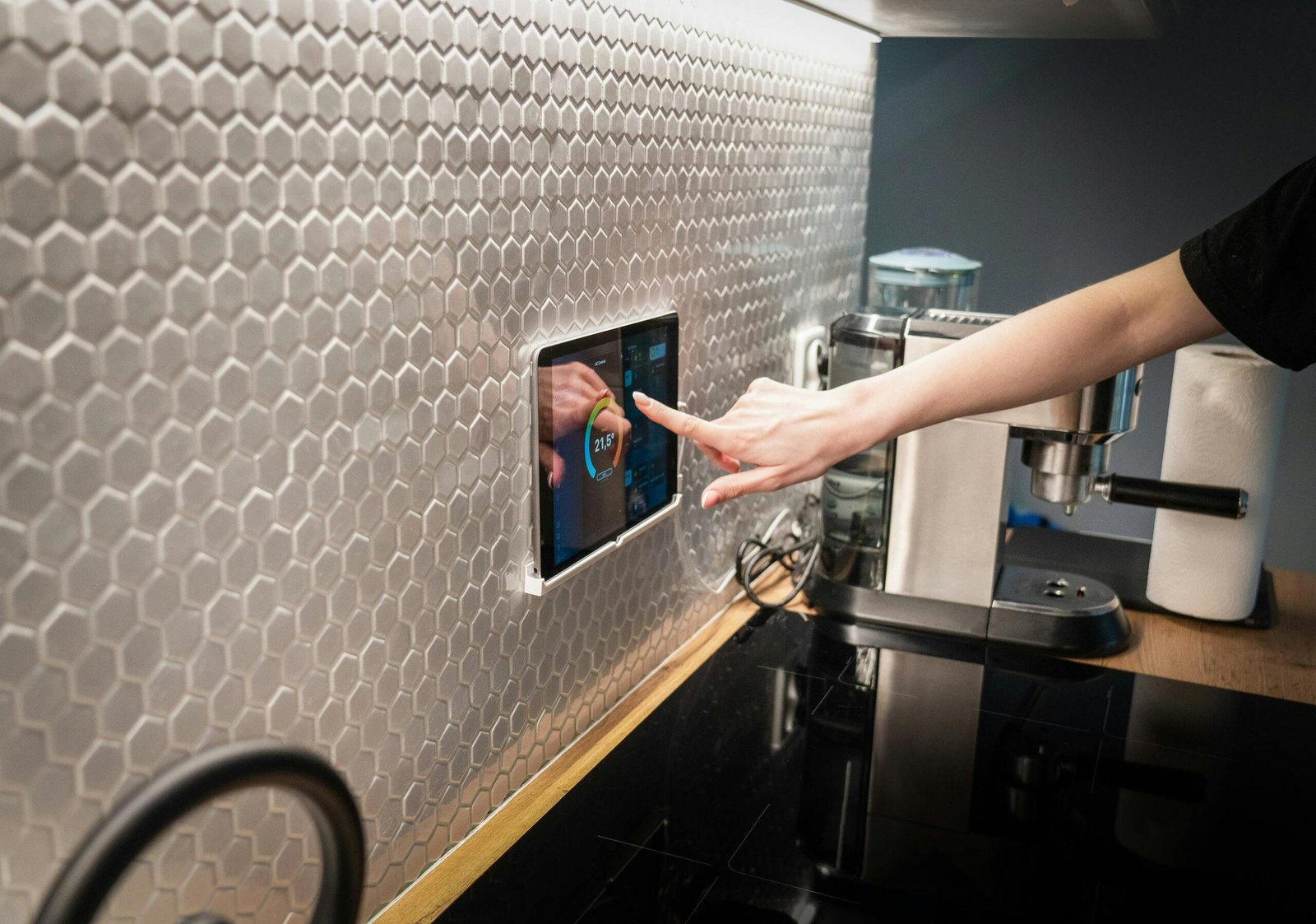
Smart home security in 2025 is mature, cheaper, and far more capable than it was even a few years ago. Whether you want a full professionally monitored system, a plug-and-play DIY alarm, or just a few cameras and a smart doorbell, there’s a clear leader for almost every need and budget. Below I’ll walk through the best systems and devices to consider in 2025, what to look for, who each system is best for, and practical setup and privacy tips.
Quick TL;DR—Top picks (short version)
- Best overall (DIY + pro options): SimpliSafe. Great balance of reliable monitoring, modern cameras, and flexible plans.
- Best professionally installed & monitored: ADT. Strong and long history of professional monitoring.
- Best for home automation and integration: Vivint. Deep smart-home integration and automation features.
- Best budget/camera-first: Ring (for video ecosystem)/Wyze/TP-Link Tapo (budget cameras). Good performance at low prices for camera- and doorbell-focused setups.
- Best cameras/doorbells in 2025: Nest Cam/Nest Doorbell (Google). Excellent video quality, on-device AI, and smooth integration with Google Home.
Why these winners? (short explanation with sources)
Multiple 2025 buyer guides and lab tests converge on the same set of companies: SimpliSafe, ADT, Vivint, Ring, Nest (Google), and value brands like Wyze and TP-Link/Tapo. These sources weighed features, monitoring options, ease of setup, integration, and price—and the above names consistently rank highest.
Deep Dive: Pick the right systems for your needs
1) SimpliSafe—Best overall for most people
Why choose it: SimpliSafe has a long-standing reputation for reliable intrusion detection, flexible monitoring plans (including no-contract options), modern cameras, and easy DIY installation. It’s the “do everything well” pick: sensors, keypad, outdoor/indoor cameras, and optional 24/7 personal monitoring. For many households SimpliSafe hits the sweet spot between cost, capability, and simplicity.
Who it’s for: renters, homeowners who want optional professional monitoring without a long contract, and people who want straightforward app control and alarm reliability.
Tradeoffs: Advanced smart-home automation features are not as deep as Vivint’s; video plans and cloud storage still often require subscription.
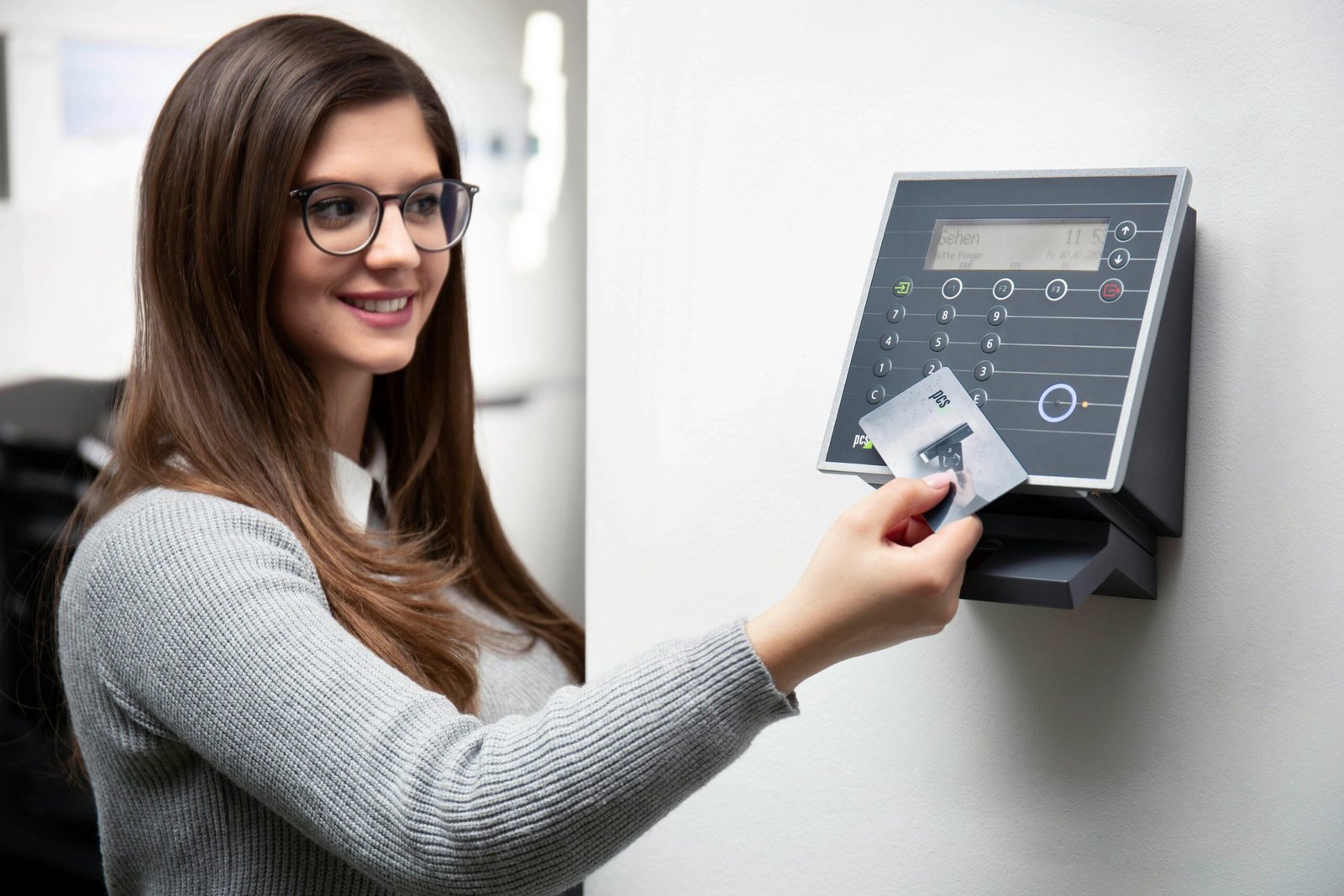
2) ADT—Best for professional monitoring & installation
Why choose it: ADT remains the major name if you want professional installation and a long-standing monitoring operation. ADT offers robust central monitoring. often bundled service packages, and installation support for weird systems (good for large homes). Many guides still list ADT as a top choice for those prioritizing professional service.
Who it’s for: homeowners who want fully managed service, older households who prefer in-person setup, and people who prioritize a traditional alarm company model.
Tradeoffs: contracts and installation fees can be higher than DIY options.
3) Vivint—Best for smart home automation
Why choose it: Vivint emphasizes deep automation, integrated home control panels, and a unified ecosystem: cameras, locks, thermostats, garage integration, and more. If you want an alarm and advanced smart home scenes (e.g., arming triggers lights on/off, door unlock routines, and security cams tied to automation). Vivint is a top pick.
Who it’s for: tech-savvy homeowners who want a single integrated system and don’t mind professional installation.
Tradeoffs: more expensive equipment and monitoring plans; some features require professional installation.
4) Ring / Amazon ecosystem—best for video-first & Alexa users
Why choose it: Ring’s strength is a broad, inexpensive line of cameras and doorbells and tight Alexa integration. The Ring Alarm can be a full system or a camera-first approach. It’s especially compelling if you already use Alexa devices. Many reviews also rate Ring highly for value and camera options.
Who it’s for: budget-conscious shoppers focused on cameras/doorbells and Amazon users.
Tradeoffs: some consumers worry about privacy or prefer local storage options; advanced features often come via Amazon subscription.
5) Google/Nest—Best cameras & doorbells (AI + Home integration)
Why choose it: Nest cams and Nest doorbells show excellent video quality, reliable person/vehicle/animal detection, and on-device AI features (faster alerts and richer notifications). If you’re invested in Google Home, Nest is the smoothest choice for cameras and doorbells in 2025.
Who it’s for: Google Home users and anyone prioritizing best-in-class video & AI event detection.
Tradeoffs: Google’s advanced features often require a subscription (Nest Aware) for full video history and some intelligent features.

6) Wyze, Eufy, TP-Link Tapo—Best budget and local-storage options
Why choose them: If you want solid cameras and doorbells without breaking the bank, these brands deliver very good features for lower prices. Some models offer local storage or less-expensive cloud tiers—a big plus for people who avoid recurring costs. Wirecutter and other 2025 reviews highlight budget models that punch above their weight.
Who it’s for: renters, people on tight budgets, or those who prefer local storage/no subscription.
Tradeoffs: hardware longevity and advanced features may lag premium brands.
What to look for when buying (buying checklists)
1. Monitoring options—Do you need 24/7 professional monitoring (ADT, Vivint, SimpliSafe Pro), or will you self-monitor with alerts? Professional monitoring adds cost but can summon help if you can’t.
2. Subscription vs. local storage—Many cameras require monthly fees for cloud storage and AI event history (Nest, Ring, SimpliSafe). Decide if you prefer local storage (some Wyze, Tapo, and Eufy models) to avoid recurring costs.
3. Smart home integrations—Choose a system compatible with your ecosystem: Apple HomeKit, Google Home, Amazon Alexa, or Matter. If you use HomeKit secure video, pick cameras that support it (Aqara and Apple-friendly devices).
4. On-device intelligence—On-device AI (person/vehicle/animal detection) reduces false alerts and can work faster than cloud-based detection. Nest and many 2025 cameras have strong on-device features.
5. Wired vs. wireless—Wired systems (or PoE cameras) are more reliable long-term but require installation. Wireless/battery cameras are flexible and easier for renters.
6. Privacy & data policies—Read the vendor’s privacy policy. Some solutions emphasize local processing and local storage for privacy; others store data in the cloud.
7. False alarm management—Look for systems with good motion detection tuning, AI filters, and easy verification (video clips at alarm time)—this reduces nuisance calls and better directs responders.
Recommended buys by budget and needed
A. Best premium, whole-home solution (no compromises)
- Vivint (full automation + pro monitoring)—pros: integrated automation, professional installation; cons: cost.
B. Best balance of price, features and flexibility
- SimpliSafe—flexible DIY + optional pro monitoring, strong sensors, and a reasonable camera suite. Great overall pick.
C. Best for camera & doorbell quality (AI + Home integration)
- Google Nest Cam / Nest Doorbell—top video, on-device AI, best for Google Home users.
D. Best budget camera/doorbell options
- Wyze Cam / TP-Link Tapo / Blink—inexpensive, solid performance, good for expanding coverage on a budget.
E. Best if you want professional monitoring from a legacy brand
- ADT—strong professional monitoring and wide installation network
Practical Setup & security tips (do this after you buy)
- Place sensors smartly—entry points (doors, downstairs windows), garages, and ground-floor windows first.
- Mount cameras for context—doorway/porch cameras should show the approach path, not just a wall. Overhead angles for yard/driveway work well.
- Use strong, unique passwords and enable two-factor authentication on your account(s). Many hacks of IoT devices stem from reused or default passwords.
- Keep firmware up to date—vendors regularly patch security bugs. Turn on automatic updates if available.
- Limit camera placement in private areas—avoid cameras where people dress or sleep to respect privacy and reduce sensitive data exposure.
- Test alerts & monitoring—trigger an alarm and confirm you get alerts, and (if using pro monitoring) verify the monitoring center can reach you.
- Consider network segmentation—put cameras on a separate VLAN or guest network to separate IoT devices from your main computers and phones.
- Read the fine print on monitoring contracts—check minimum terms, cancellation fees, and what qualifies as an “alarm.”
Final recommendations & buying roadmap
- If you want reliable alarms with optional pro monitoring and an easy setup, start with SimpliSafe.
- If you want professional installation and monitoring from an established alarm company, consider ADT.
- If you want deep smart automation and a polished all-in-one ecosystem, get Vivint.
- If your priority is best-in-class cameras and doorbells (especially for Google Home users), buy Nest Cams / Nest Doorbell.
- If you’re on a tight budget but want wide coverage, buy inexpensive cameras (Wyze, Tapo) with a basic alarm or smart lock.