Artificial intelligence (AI) is no longer something only programmers, engineers, or tech experts can use. Today, AI tools are designed for everyday people—teachers, students, business owners, writers, creators, parents, and retirees. You don’t need to understand coding, algorithms, or complex software to benefit from AI. With simple apps and clear instructions, anyone can start using AI to save time, reduce effort, and improve daily life.
This article explains how non-tech people can use AI easily, what tools to start with, and practical examples that make AI feel friendly instead of intimidating.
1. Understanding AI in Simple Terms
AI is best understood as smart software that helps you do tasks faster and better. Instead of manually writing, organizing, searching, or editing, AI can assist you by learning patterns and following instructions.
You don’t need to know how AI works internally—just like you don’t need to know how a car engine works to drive a car. All you need to do is:
- Type or speak what you want
- Review the result
- Make small adjustments if needed
That’s it.
2. Using AI Through Simple Apps and Websites
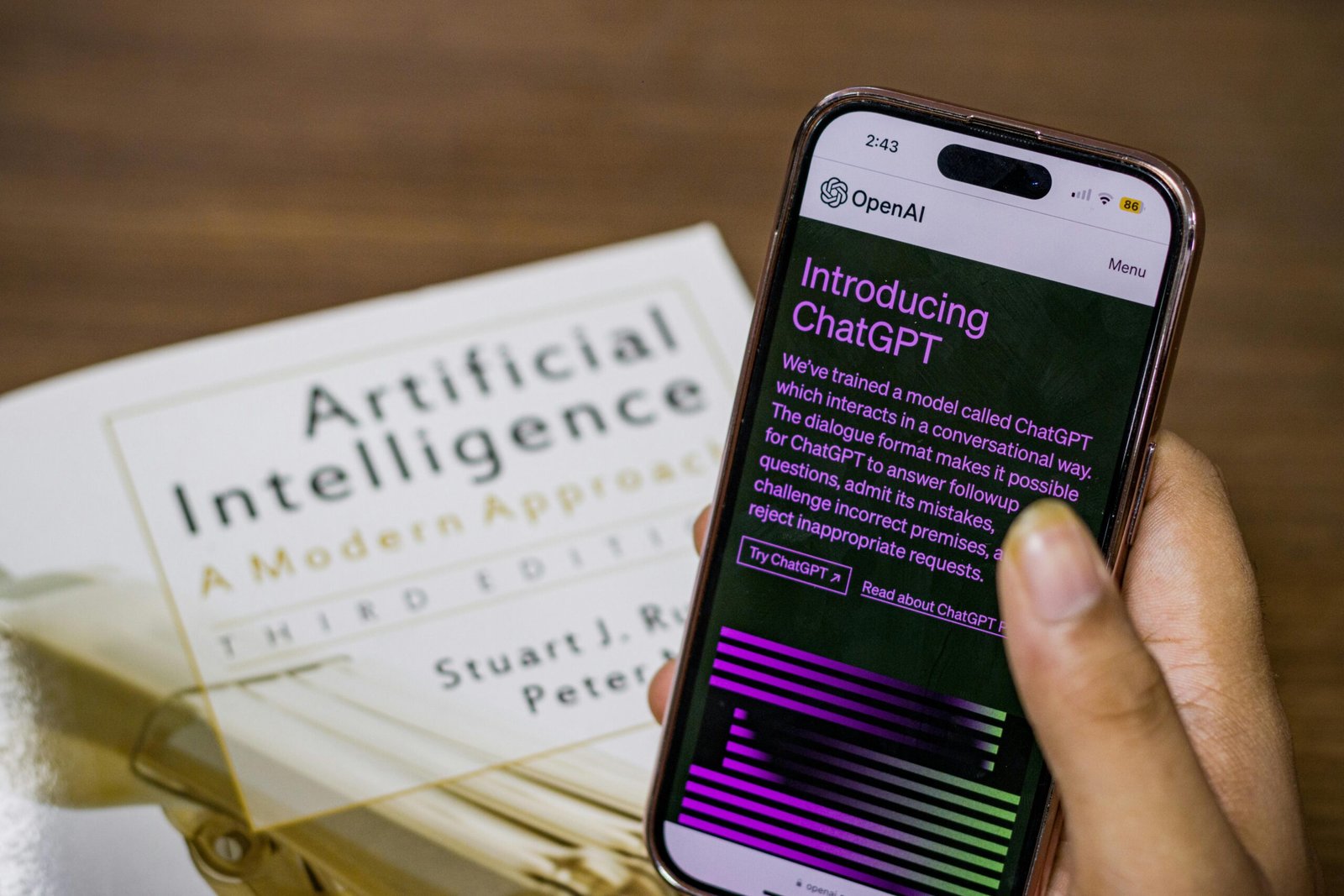
Most AI tools are available as:
- Websites
- Mobile apps
- Built-in features in tools you already use
You don’t need to install complicated software. Many tools work directly in your browser.
Examples of simple AI access:
- Chat-based tools that answer questions
- Photo apps that edit images automatically
- Writing assistants inside word processors
- Voice assistants on smartphones
If you can use email or social media, you can use AI.
3. AI for Writing and Communication
One of the easiest ways non-tech people can use AI is through writing assistance.
AI can help you:
- Write emails and messages
- Improve grammar and spelling
- Rewrite text to sound more professional or friendly
- Summarize long document
- Generate ideas for article, posts, or stories
For example:
- A small business owner can write product descriptions
- A student can summarize notes
- A professional can draft reports faster
- A job seeker can improve a CV or cover letter
You simply explain what you want in plain language, and AI does the heavy lifting.
4. AI for Daily Tasks and Organization
AI is excellent at handling everyday tasks that usually take time and mental energy.
Non-tech users can use AI to
- Create to-do lists
- Plan schedules
- Organize tasks by priority
- Set reminders
- Plan trips and itineraries
- Prepare shopping lists
Instead of thinking through everything yourself, you can ask AI to structure your ideas and plans clearly.
This is especially helpful for busy people, parents, and those managing multiple responsibilities.
5. AI for Learning and Education
AI makes learning easier for people of all ages.
You can use AI to:
- Explain difficult topics in simple language
- Translate between languages
- Practice new skills
- Create quizzes and study guides
- Learn step-by-step at your own pace
For non-tech learners, AI acts like a patient personal tutor that never gets tired and adapts to your level of understanding.
Whether you’re learning a new language, preparing for an exam, or understanding a new subject, AI simplifies the process.

6. AI for Creativity and Hobbies
AI isn’t just for work—it’s also great for creativity.
Non-tech people can use AI to
- Generate images and artwork
- Write poems and stories
- Create social media captions
- Design posters or invitations
- Edit photos and videos automatically
You don’t need design skills or creative software experience. Many AI tools let you choose styles, themes, and preferences with simple clicks.
This is perfect for content creators, hobbyists, and anyone who enjoys expressing ideas visually or creatively.
7. AI for Small Businesses and Freelancers
AI is a powerful help for people running small businesses or working independently.
Without hiring experts, AI can help you:
- Respond to customer messages
- Write marketing content
- Analyze feedback
- Create invoices and summaries
- Improve customer service responses
Non-tech entrepreneurs can compete more effectively by using AI as a virtual assistant that works 24/7.
8. Voice-Based AI: No Typing Needed
For people who are not comfortable with typing or computers, voice-based AI is a game-changer.
You can:
- Speak to AI instead of typing
- Ask questions naturally
- Get spoken responses
- Control device with voice commands
Voice assistants on smartphones and smart speakers make AI extremely accessible, especially for older adults and beginners.
9. Tips to Use AI Easily Without Technical Skills
Here are simple tips for non-tech users:
- Use clear language: just explain what you want as if talking to a person.
- Start small: Try basic tasks like writing or summarizing.
- Don’t fear mistakes: AI can be corrected easily.
- Explore built-in AI: Many apps already include AI features.
- Stay curious: experiment and learn gradually.
You don’t need perfection—just practice.
10. Overcoming Fear and Misconceptions About AI
Many non-tech people feel afraid that AI is
- Too complicated
- Only for experts
- Replacing humans completely
In reality, AI is a tool, not a replacement. It assists people, not controls them. You are always in charge of the final decisions.
Once you start using AI for small tasks, confidence grows naturally.
11. The Future: AI for Everyone
AI is becoming more user-friendly every year. Companies are focusing on:
- Simple interfaces
- Natural language interaction
- Better guidance for beginners
This means AI will continue to feel more like a helpful assistant than a complex machine.
For non-tech people, this is an opportunity to work smarter, learn faster, and enjoy more free time.
12. AI for Health, Wellness, and Daily Advice
Non-tech people can use AI to support healthier daily habits without replacing doctors or professionals.
AI can help with:
- Create simple workout routines
- Suggesting healthy meal ideas
- Explaining medical terms in easy language
- Tracking habits like sleep, water intake, or exercise
- Giving general wellness trips
For example, you can use AI to create a weekly walking plan, explain a prescription in simple words, or suggest stress-reduction techniques. Everything is explained clearly, without technical language.

13. AI for language Translation and Communication Across Cultures
AI makes communication easier for people who speak different languages.
Non-tech users can use AI to
- Translate messages instantly
- Learn correct pronunciation
- Convert voice to text in another language
- Write messages in polite or formal styles
- Understand foreign content such as articles or videos
This is extremely helpful for travelers, students, business owners, and families communicating internationally—no technical setup required.
14. AI Built Into Tools People Already Use
Many people are already using AI without realizing it.
AI is built into:
- Email platforms (smart replies, spam filtering)
- Smartphones (camera enhancement, voice typing)
- Social media (content suggestions)
- Search engines (smart answers)
- Photo galleries (automatic sorting)
This means non-tech people don’t need to “learn AI”—they simply need to notice and use features already available in familiar apps.
15. How to Start Using AI Today (Beginner-Friendly Steps)
Getting started with AI doesn’t require effort or money.
Simple steps for beginners:
- Choose one task you do often (writing, planning, learning)
- Use a free AI tool or app
- Ask simple, clear questions
- Review and adjust the results
- Repeat and improve over time
Within days, AI becomes a natural part of your routine—no training, no technical knowledge, no pressure.
Conclusion
You don’t need technical knowledge, programming skills, or advanced devices to use AI. If you can type, speak, or click, you can use AI.
From writing and learning to organizing life and boosting creativity, AI offers powerful benefits in simple ways. The key is to start small, stay curious, and treat AI as a helpful partner.
AI is no longer the future—it’s a practical tool for everyday people, including non-tech users, starting today.