Artificial intelligence has moved from sci-fi fantasy to everyday productivity reality. Gone are the days when AI was limited to clunky chatbots or niche research tools—today, powerful AI assistants, automation platforms, writing coaches, meeting summarizers, smart schedulers, and integrated digital workspaces are transforming how we plan, create, and execute our work.
Whether you’re juggling emails, managing projects, drafting content, attending back-to-back meetings, or simply trying to stay on top of your to-dos, there’s an AI tool designed to shave hours off your week and help you focus on what matters most.
Let’s dive into the best AI tools for personal productivity in 2026, why they matter, and how you can use them to supercharge your workflow.
1. AI Personal Assistants & Conversational Helpers
ChatGPT remains a go-to for brainstorming, drafting emails and prose, coding help, idea generation, planning, and more. Its natural language processing makes it ideal for conversational tasks—like summarizing text, drafting responses, or even planning your day.
Best for: General productivity support, writing, idea generation, and research.
- Google Gemini & Companion Tools
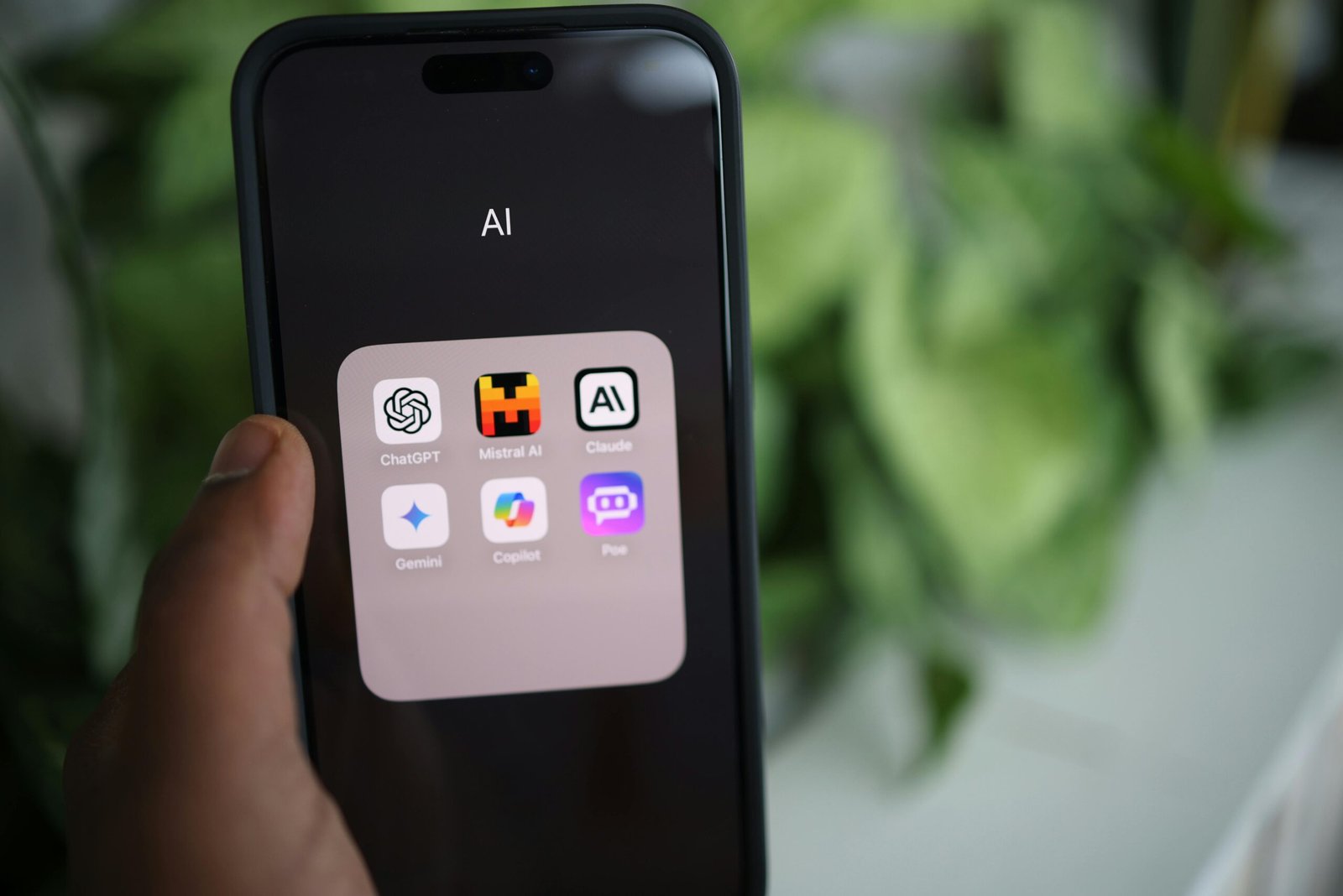
Google’s AI ecosystem, including Gemini and tools like NotebookLM (AI research assistant), integrates seamlessly with Gmail, Docs, Drive, and Calendar. New Gmail AI features can summarize threads, write replies, and highlight important messages to reduce email overload.
Best for: Users embedded in Google Workspace—especially email and file summarization tasks.
An open-source, privacy-focused AI assistant developed by Proton that prioritizes data security without logging conversations or using them for training.
Best for: Privacy-conscious users who want an intelligent assistant without corporate data collection.
2. Writing & Communication Boosters
Beyond basic spelling and grammar checks, GrammarlyGO offers tone detection, rewrite suggestions, and contextual rewriting—helping you communicate clearly and confidently faster.
Best for: Writers, professionals, students—anyone who writes a lot of emails, reports, or content.
An AI writing coach that helps draft, rewrite, and humanize your content (including custom “personas” that match your voice).
Best for: Content creators and professionals who want AI to match their individual tone.
3. Smart Scheduling & Time Management
An AI daily planner and scheduler that automatically arranges your calendar, prioritizes tasks, and creates focus blocks to protect uninterrupted work time.
Best for: Anyone who struggles with calendar chaos or switching between contexts.
4. Meeting Intelligence & Notes Automation
A robust tool for transcribing, summarizing, and annotating meetings in real time. Ideal for remote workers, journalists, researchers, and those who attend multiple calls.
Best for: Frequent meeting attendees who want accurate summaries and searchable notes.
Meeting AI assistants that capture key points, decisions, and follow-ups—with support for Zoom, Teams, and other platforms
Best for: Teams that need actionable insights from discussions without manual note-taking.
5. All-in-One-Digital Workspaces
An integrated workspace where tasks, notes, calendars, and documents coexist, enhanced by AI to summarize notes, generate lists, and auto-organize data.
Best for: People who want a unified productivity hub with powerful AI capabilities.
A “second brain” that auto-organizes your knowledge based on context and usage patterns. It remembers what matters so you don’t have to search for it.
Best for: Freelancers, students, researchers—those with lots of notes and ideas.

6. Task & Project Automation
A collaborative workspace with AI agents that help automate tasks, generate charts, and handle project workflows.
Best for: Teams and individuals who need more than just a to-do list—real workflow automation.
- Zapier + AI (e.g., Copilot)
Automates repetitive tasks across your apps without coding—for example, auto-sort emails, update sheets, or trigger reminders.
Best for: People who use multiple tools and want them to “talk” to each other seamlessly.
7. Document, Research & Knowledge Tools
Google’s document AI assistant is great for synthesizing long papers, research, or PDF files into concise takeaways.
Best for: Students, researchers, and professionals handling complex documents.
8. AI Voice & Speech Productivity Aids
- AI Transcription & Voice Assistants (e.g., Speechly AI, Descript AI Studio)
These tools use advanced AI to convert spoken language into actionable tasks, text, and edit-ready media—turning your meetings, voice notes, and audio ideas into structured outputs.
Key uses:
- Instant voice-to-text (for hands-free note capture)
- Voice summary generation (turns conversations into checklists or action items)
- Audio editing powered by text (e.g., “remote filler words” or “shorten this paragraph”)
- Create podcasts or video content with AI-assisted editing
Best for: People who think and work better by speaking rather than typing—such as executives, creators, researchers, and professionals who attend a lot of calls.
9. Visual Design & Slide Creation
AI-powered design tools integrated into Canva allow you to generate visuals, presentations, and graphics from text prompts—saving hours of design work.
Best for: Presentations, social media content, and marketing visuals.
10. Focus & Deep Work Aids
- Forest & AI Focus Tools
AI integrates with focus apps like Forest to analyze your attention patterns and suggest personalized deep-work sessions, combining behavior insights with productivity.
Best for: People battling distraction who want habit-forming support.
11. Specialized Smart Assistants
- Rezi AI (Resume Builder + Career Assistant)
An AI that specializes in building optimized resumes, cover letters, and job-search responses—making career productivity smarter and faster.
Best for: Job seekers and professionals updating their careers.
12. AI Code & Development Helpers
An AI coding assistant that suggests entire lines of code, comments, and functions based on natural language prompts directly in your IDE. It’s like having a pair programmer who anticipates your coding needs.
Best for: Developers and programmers who want faster coding with fewer errors.
13. Personal Financial Assistant AI
- AI Budgeting & Expense Tools (e.g., Cleo AI, Synthesis Finance AI)
AI-augmented financial helpers that track spending, categorize expenses, suggest budgets, and even alert you about irregular transactions. They provide financial insights in natural language.
Best for: Individuals who want smarter money management with AI guidance.
14. AI Reading & Learning Enhancers
- Reader AI (Text Summarizers & Learning Boosters)
AI tools that summarize articles, textbooks, and research papers into key takeaways, flashcards, or study notes—perfect for learners who need to absorb information quickly.
Best for: Students, lifelong learners, and professionals digesting research.
15. Wellness & Work Balance AI
AI tools that support mental health and productivity by offering mood tracking, cognitive behavioral strategies, mindfulness prompts, and stress management tips—helping you stay balanced while staying productive.
Best for: Anyone who wants productivity and well-being.
How to Build Your Personal AI Productivity Stack
Here’s a simple approach to integrate AI into your daily workflow:
1. Start With Your Biggest Time Sink
Identify what slows you most—writing, meetings, scheduling, or admin tasks—and pick the AI that directly tackles that.
2. Connect, Don’t Complicate
Choose tools that integrate with your existing apps (like email, calendar, and docs) so the AI naturally fits into your flow.
3. Automate Repetitive Work
Use automation tools (like Zapier AI or Taskade) to link actions across apps so you don’t repeat mundane tasks.
4. Personalize Over Time
Most AI tools get better with personalization—update preferences, teach the tools your style, and let them adapt.
5. Monitor Work-Life Balance
Productivity is not just about output—use mindfulness and wellness AI to stay centered and prevent burnout.
Conclusion
In 2026, AI productivity isn’t a luxury—it’s a practical advantage. From voice-driven workflows and hands-free note capture to calendar mastery and deep learning support, these tools take routine work off your plate so you can focus on ideas, strategy, and creativity.
The future of personal productivity is not doing more—it’s doing more of what matters. With the right AI tools by your side, you’ll spend less time on the noise and more time on what moves you forward.